How to Block Spam Calls on Samsung Galaxy in 2026 (Step-by-Step)
Quick Answer
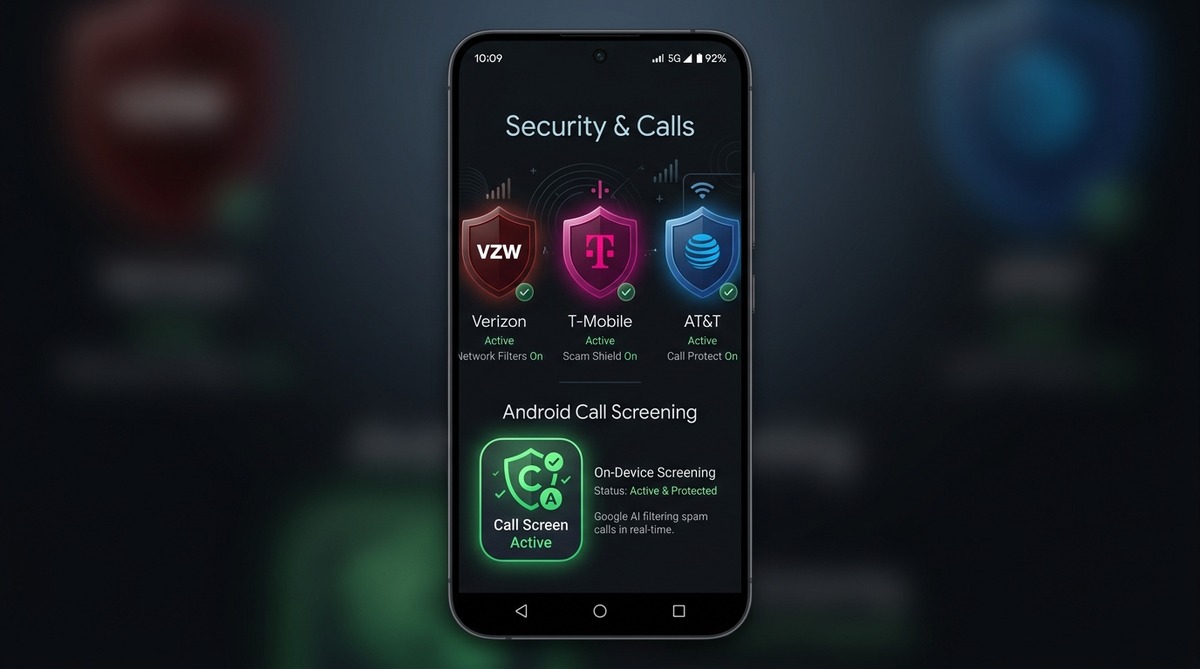
To block spam calls on Samsung Galaxy, open the Phone app > Settings > Caller ID and spam protection (Samsung Smart Call) and switch it On. For comprehensive protection that blocks unverified spoofed numbers and prevents spam voicemails, set an on-device screener as your default Call Screening app.
Samsung Galaxy phones include a built-in spam filter that labels suspected spam calls, but still leaves the ringer sounding unless blocked. For Samsung owners getting dozens of spam calls daily, Callro provides a second layer that intercepts calls before your phone rings at all. To configure system-level protections beyond OEM filters, review our complete guide to stopping spam calls on Android. Callro has been confirmed working by real users on the Galaxy A14, A16, S22+, S24 FE, S24 Ultra, and A03s running Android 10 and above.
Does Samsung's Built-In Spam Filter Work?
Yes, partially. Samsung's Smart Call feature successfully labels calls and blocks known numbers. According to Hiya's official partnership announcement, Hiya powers Samsung Smart Call natively, noting that "Hiya analyzes over 28 billion calls monthly to power its adaptive AI spam protection."
However, Smart Call is heavily cloud-based and relies on database reputation. While analyzing billions of monthly calls catches reported telemarketers, newly rotated neighbor-spoofed numbers have no prior complaint history in the cloud database. Your phone still rings and interrupts your day with labeled calls before blacklists update.
How Callro Works Differently on Samsung
Instead of just labeling calls, Callro uses ROLE_CALL_SCREENING to intercept calls before Samsung's dialer rings. Callro runs its analysis directly on the device.
Samsung's built-in filter is genuinely useful — I'm not telling you to ignore it. What I am saying is that it doesn't stop the call from ringing.
Step-by-Step: How to Install Callro on Samsung Galaxy
- Open Google Play Store: Search for "Callro Spam Call Blocker".
- Tap Install: Install the app from the Callro listing.
- Open Callro: Launch the app and approve the Call Screening role when prompted by your system.
- You're Protected: Callro is now active. No other setup is needed, and no account creation is required to start your trial.
Which Samsung Models Work with Callro?
We have confirmed Callro is working beautifully from real user reviews on the following devices:
- Samsung Galaxy A03s (Android 13)
- Samsung Galaxy A14 5G (Android 14)
- Samsung Galaxy A16 5G (Android 16)
- Samsung Galaxy S22+ (Android 16)
- Samsung Galaxy S24 FE (Android 16)
- Samsung Galaxy S24 Ultra (Android 16)
Callro requires Android 10 or above. Older Samsung devices on Android 9 or below are not supported.
What Callro Won't Do on Samsung (Be Honest)
Callro does not block SMS/text spam. It does not provide caller ID name lookup because we don't harvest or maintain a global address book. Samsung's built-in visual voicemail is completely unaffected.
Callro is not a replacement for Samsung's visual features — it's a silent, secure addition that stops the ringing. For the complete picture on how Samsung settings compare to Motorola, Pixel, and carrier filters, explore our master guide on how to block spam calls on Android.
Frequently Asked Questions
Does Callro work on Samsung Galaxy?
Yes, confirmed working on Samsung Galaxy A03s, A14 5G, A16 5G, S22+, S24 FE, and S24 Ultra running Android 10+.
Will Callro conflict with Samsung's built-in spam filter?
No. They work at different layers. Samsung's filter handles the carrier layer; Callro handles call screening via ROLE_CALL_SCREENING. Both can be active simultaneously.
Does Callro need Google Play Services on Samsung?
Yes. Callro relies on Google Play Services to function correctly on your Android device.
How do I know Callro is active on my Samsung?
As long as Callro has been set as the default Call Screening app in your system settings, it is actively intercepting and filtering incoming calls.
Key Takeaways
- Samsung Smart Call provides built-in caller ID and spam detection powered by Hiya network databases.
- Enabling 'Block spam and scam calls' in Samsung settings filters high-risk numbers before the phone rings.
- Built-in filters can miss neighbor-spoofed calls that use newly rotated local numbers.
- On-device call screening can work without uploading your contact list.
No card required · Cancel anytime