How to Block Spam Calls on Motorola (Moto G & Edge Setup)
Quick Answer
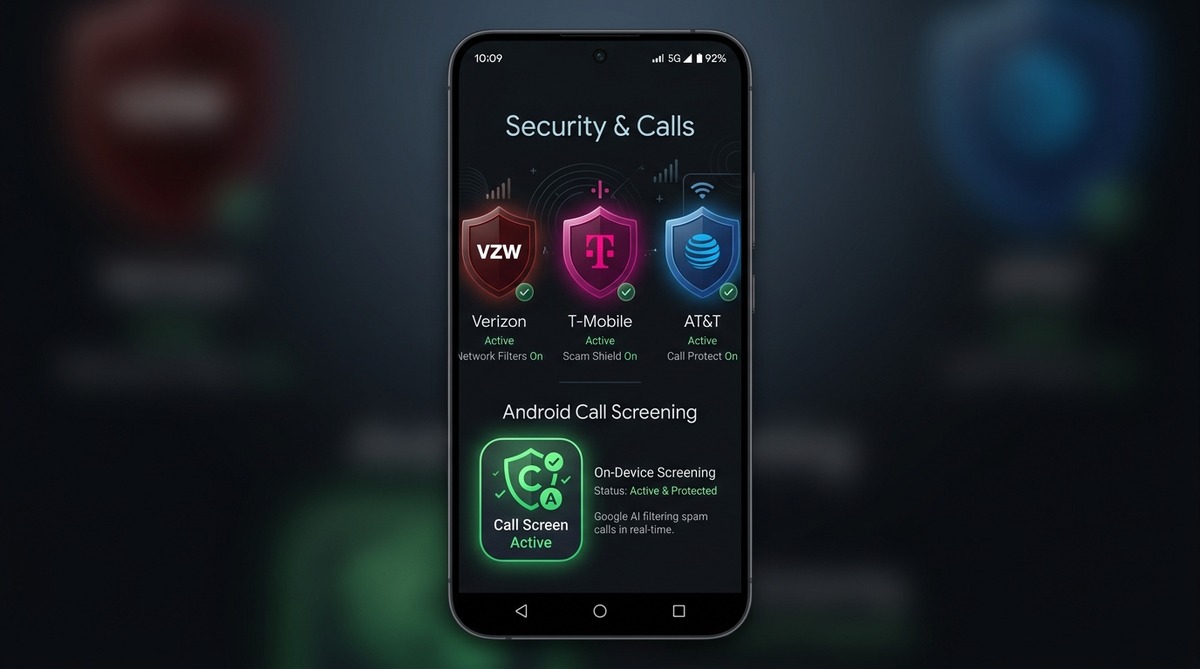
To block spam calls on Motorola phones, enable 'Filter spam calls' in the default Google Phone app under Settings > Caller ID & spam. For advanced protection against neighbor spoofing, install an on-device call screening app using Android's ROLE_CALL_SCREENING API.
To block spam calls on a Motorola phone, enable Google's built-in spam filter by opening the default Phone app, tapping the three-dot menu, navigating to Settings > Caller ID & spam, and toggling on Filter spam calls. According to the FTC National Do Not Call Registry Data Book for Fiscal Year 2024, consumers filed 2,085,133 unwanted call complaints, with automated robocalls accounting for 53% of all reports. While Motorola's default Google dialer flags reported telemarketers, stopping dynamic neighbor spoofing requires pairing it with an on-device screening tool.
Motorola devices run a clean Android implementation (Hello UX / My UX) that avoids proprietary dialer skins. However, standard caller ID filters still allow newly spoofed numbers to ring through. Understanding how Motorola's call handling works enables you to configure layered protection.
How Does Motorola's Built-In Spam Protection Work?
Motorola phones ship with the Google Phone app (com.google.android.dialer) as their default dialer. As detailed in official Google Phone app documentation, enabling protection filters known callers : "To block spam calls on your phone, turn on 'Filter spam calls.' You don't get missed call or voicemail notifications, but filtered calls are in your call history, and you can check your voicemail." Google compares incoming numbers against a cloud database of known telemarketers and flagged business numbers. When a match occurs, the dialer displays a warning screen or declines the call if filtering is enabled.
While this cloud lookup catches established robocall syndicates, it cannot anticipate zero-day spoofing campaigns where scammers rotate through unused numbers within your area code.
Why Do Spam Calls Still Ring on Motorola Phones?
Cloud-based blocklists experience latency between when a robocaller begins dialing and when enough users submit spam reports to blacklist the number. Robocallers exploit this gap through Voice over IP (VoIP) autodialers that discard numbers after short bursts, ensuring every call arrives from a clean Caller ID.
Because Google's database has no record of the newly generated number, the call is treated as legitimate, triggering your phone's ringtone and interrupting your day.
How Do You Set Up On-Device Call Screening on Motorola?
Android provides a dedicated system role called ROLE_CALL_SCREENING. When you install an on-device screening application like Callro from the Google Play Store, Android routes incoming call metadata to the screening service before initiating the audio ringer. Learn more in our breakdown of Android's ROLE_CALL_SCREENING API.
The setup process requires four straightforward steps on any modern Motorola device:
- Install Callro from the Google Play Store on your Motorola phone running Android 10 or newer.
- Open the app and grant the system Call Screening role when prompted.
- Ensure Callro is selected as the default Call Screening app under Settings > Apps > Default apps > Caller ID & spam app.
- Callro runs in the background, reading the carrier's STIR/SHAKEN verification status as reported by Android and evaluating call metadata locally.
Which Motorola Models Are Compatible?
Every Motorola smartphone running Android 10, 11, 12, 13, 14, or 15 supports Android's CallScreeningService API. This includes the Moto G Power, Moto G Stylus, Moto G Play, Moto G 5G, Motorola Edge (2022–2026), and Motorola Razr series.
Older Motorola handsets released prior to 2019 running Android 9 Pie or earlier do not support system-level call screening roles and must rely on standard number blocking.
Blocking Spam Calls on Moto G Series (Power, Stylus, Play, 5G)
The spam-blocking setup on Motorola's Moto G lineup—including the Moto G Power, Moto G Stylus, and Moto G Play—matches the Motorola Edge. According to official Motorola user documentation (help.motorola.com), modern Moto G devices ship with the Google Phone app (com.google.android.dialer) as their default out-of-the-box dialer, avoiding custom carrier skins.
To enable filtering on these Moto G models, open the Phone app, tap the three-dot menu, navigate to Settings > Caller ID & spam, and toggle on Filter spam calls. If you install an on-device screener like Callro, selecting it as your default Caller ID & spam app under Settings > Apps > Default apps provides the same system-level interception across Moto G handsets as on flagship devices.
What Are the Limitations of Motorola Spam Blocking?
Enabling spam filtering on Motorola does not block SMS spam in messaging apps, nor does it prevent scammers from leaving voicemails if a call is sent directly to carrier voicemail. To manage carrier-level voicemail deposits, users should configure their carrier's voicemail security settings.
Callro screens voice calls natively on the handset using its dedicated on-device call screening features. Because analysis occurs directly on the device, Callro does not request access to your contacts, your phone's call log, or your microphone. For the complete picture on how native dialers and carrier network tools interact across other devices, see our comprehensive guide on how to block spam calls on Android.
Frequently Asked Questions
What dialer app comes pre-installed on Motorola Android phones?
Most modern Motorola smartphones, including the Moto G and Motorola Edge series, ship with the official Google Phone app (com.google.android.dialer) as their default out-of-the-box dialer.
How do I turn on spam call filtering on Motorola?
Open the Phone app, tap the three-dot menu in the upper right corner, select Settings > Caller ID & spam, and switch on both 'See caller ID & spam' and 'Filter spam calls'.
Why do spoofed robocalls still ring on Motorola phones with Google spam protection enabled?
Google's built-in spam filter relies on cloud reputation databases. When robocallers spoof local numbers or rotate VoIP gateway routes, the incoming number has no prior spam history, allowing it to bypass static reputation lists.
Does Callro work alongside Motorola's default phone app?
Yes. Callro operates as the system Call Screening provider via Android's ROLE_CALL_SCREENING role, intercepting and evaluating incoming calls before the Google Phone dialer sounds the ringtone.
Which Motorola models support on-device call screening?
All Motorola devices running Android 10 or newer—including the Moto G Power, Moto G Stylus, Moto G 5G, Motorola Edge, and Razr series—support Android call screening.
Key Takeaways
- Motorola phones use the native Google Phone app with built-in Caller ID & spam protection.
- Enabling 'Filter spam calls' in Motorola Phone settings silences suspected robocallers.
- Native Google Phone filters can miss neighbor-spoofed calls with rotated local numbers.
- Pairing Motorola settings with an on-device screener provides complete caller ID verification.
Protect Your Family Today
Install Callro and give your parents a phone that only rings for real people. 7-day free trial — no payment info required.